

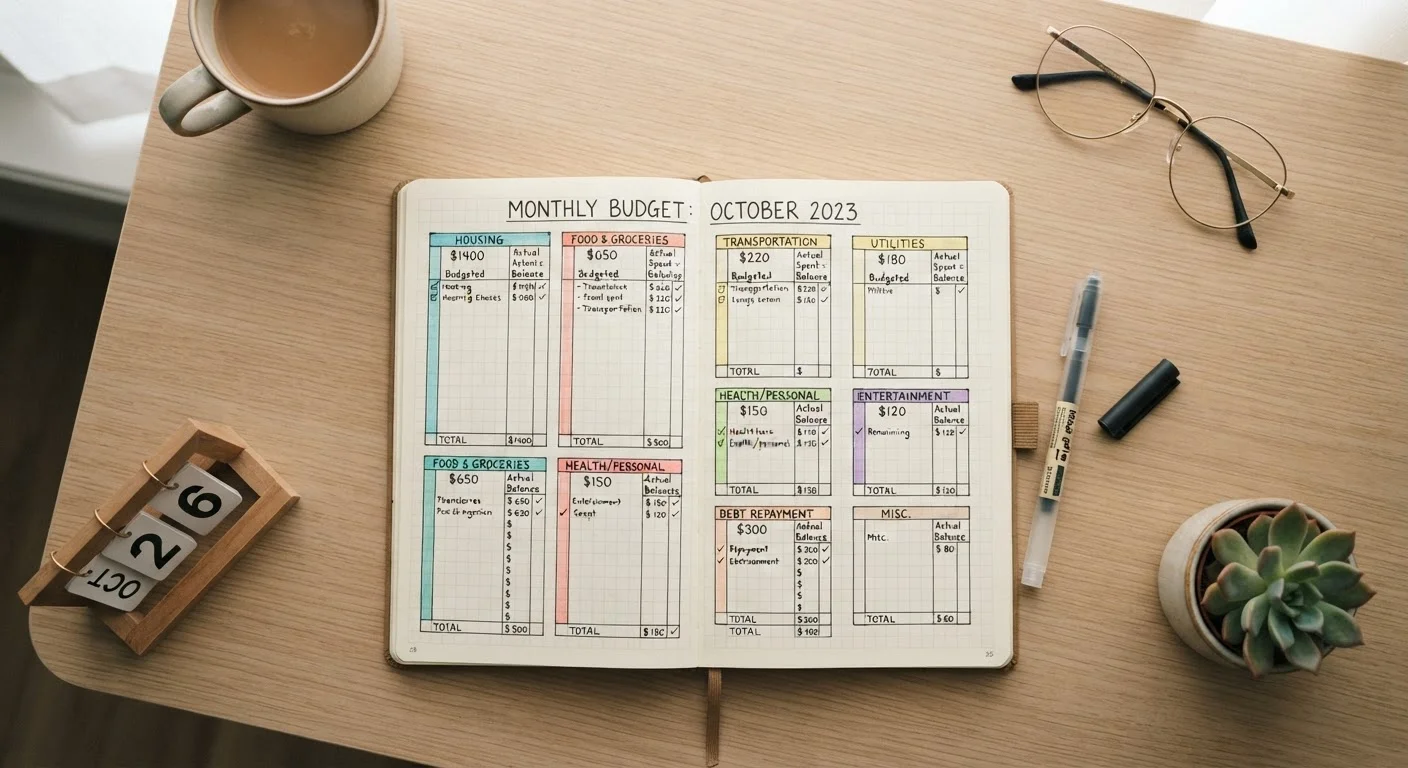
Why a Transaction List Isn't the Same as a Budget
Most people who check their bank account regularly still feel surprised when money runs short before the month ends. The problem usually isn't a lack of information - it's a lack of organized information. A raw list of transactions tells you what happened; a category system tells you what it means.
When you see twelve separate restaurant charges scattered through a statement, your brain treats each as a small, isolated decision. When those same charges are grouped under Dining Out, you might see $340 in a single month - a number that lands very differently. That shift in visibility is what spending categories are designed to create.
This approach sits at the heart of practical budgeting basics and complements strategies like the pay-yourself-first method, which relies on knowing your real spending before setting savings targets.
Start Simple, Refine Later
You don't need a perfect category structure on day one. A rough system you actually use will reveal more than a detailed system you abandon after a week. Begin with broad buckets and add granularity only where the detail is actionable for you.
What You'll Need Before You Start
Before building a category structure, gather your inputs. You don't need special software - a spreadsheet or even paper works - but you do need the raw material to categorize.
What you will need
Setting Up Your Category System
Follow these steps to build a category structure that reflects your actual spending rather than a textbook version of it.
Pull 60-90 days of transaction history
Download or print statements from all accounts you spend from: checking, credit cards, and any payment apps. Using at least two months of data smoothes out one-time anomalies and gives you a representative picture of recurring habits.
Identify your natural spending clusters
Scan through your transactions without assigning labels yet. Look for natural groupings - recurring charges, similar merchants, types of purchases. Common clusters include housing costs, transportation, food (grocery vs. dining), utilities, subscriptions, healthcare, and personal spending. Write down the clusters you actually see, not the ones a generic budget template suggests.
Assign every transaction to a category
Work through your transaction history and label each line item with one of your identified categories. When a charge is ambiguous - a warehouse store purchase that includes both groceries and household supplies - assign it to whichever category it primarily belongs to and stay consistent. Precision is less important than consistency.
Total each category and calculate its share
Add up spending within each category for each month. Then divide each category total by your total spending to see what percentage each represents. This percentage view - not the raw dollar figure - is often where surprises emerge. A category consuming 18% of spending that you assumed was minor is immediately visible in percentage form.
Set a realistic target for each category
Using your actuals as a baseline, decide whether each category should stay the same, decrease, or is acceptable at its current level. Set a monthly target only when you have a specific reason to change behavior. Arbitrary targets - "cut restaurants by half" - rarely stick without a concrete plan behind them.
Review and adjust monthly
At the end of each month, repeat the categorization for new transactions, compare actuals to targets, and note where you landed. If a category is consistently over target, that's a signal to either adjust your behavior or adjust the target - both are valid responses depending on your priorities.
Once your categories are in place, consider whether you prefer to maintain them with an app or by hand. Recording transactions manually at least once builds a level of financial awareness that automated tools often skip. And if you're deciding between digital and analog systems altogether, the cash envelope system versus digital budgeting apps is worth a read before committing.
Common Pitfalls and How to Avoid Them
The most frequent mistake is creating too many categories. When every spending type gets its own bucket, the system becomes a burden rather than a tool. Aim for six to ten categories initially; you can split them later once you know where precision matters.
A second pitfall is building categories around aspiration rather than reality. If you rarely cook at home, lumping groceries and restaurants into one Food category may actually give you clearer insight than separating them into targets you never hit.
Don't Skip Irregular Expenses
Annual or semi-annual expenses - insurance premiums, vehicle registration, holiday gifts - frequently derail budgets because they aren't visible in a single month of transactions. Create a dedicated category for these and divide their annual cost by 12 to set a monthly reserve target. Ignoring them is one of the most common reasons a seemingly balanced budget still produces surprises.
Finally, setting up categories and never reviewing them is the most common reason the system fails. Categories are a lens, not a one-time report. Schedule a monthly check-in - even 15 minutes - to compare actual spending to your targets. For a broader view of what a complete monthly budget should include, see everything that should go into a monthly budget.
This article is for general informational and educational purposes only and does not constitute personalized financial advice. Consult a qualified financial professional for guidance specific to your situation.
The content on this site is for informational purposes only and is not a substitute for professional advice. Always consult a qualified professional for guidance specific to your situation.