

Why Digital Security Matters More When You Travel
Travel concentrates risk. You're connecting to unfamiliar networks, carrying devices into new legal jurisdictions, moving through crowded spaces where theft is common, and often too distracted to notice when something goes wrong. The good news: most threats are preventable with straightforward preparation done before you leave home.
The steps below aren't just for tech-savvy travelers. They're practical measures that anyone with a smartphone and an email account should take. The setup time is modest - typically 30 to 90 minutes - and the payoff is significant peace of mind throughout your trip.
What you will need
For a broader pre-departure checklist that covers documents, health prep, and home security alongside digital essentials, see the comprehensive pre-trip checklist in our trip planning hub.
Step-by-Step: Securing Your Devices Before and During Travel
Border Device Searches Are Legal in Many Countries
U.S. Customs and Border Protection and agencies in many other countries have broad authority to search electronic devices at border crossings - including demanding passwords. If you're entering or leaving a country with sensitive personal or professional data, consult a legal professional about your options. Some travelers carry a clean travel device specifically to limit exposure.
Enable Full-Disk Encryption on All Devices
Modern smartphones encrypt storage by default when you set a strong PIN or passcode. On laptops, enable BitLocker (Windows) or FileVault (macOS) through your system's security settings. Encryption makes data stored on the device unreadable without the correct credentials - a critical safeguard if your device is lost or seized.
Back Up Everything Before You Leave
Run a full backup to a secure cloud service or an encrypted external drive at least 24 hours before departure. Verify the backup completed successfully - don't assume it worked. This ensures you can recover photos, documents, and contacts if your device is stolen, damaged, or confiscated.
Set Up Two-Factor Authentication (2FA)
Two-factor authentication (2FA) requires a second form of verification - typically a code from an authenticator app - beyond your password. Enable it on email, banking, and any account containing sensitive information. Authenticator apps are more secure than SMS codes, which can be intercepted through SIM-swapping attacks.
Install and Configure a VPN
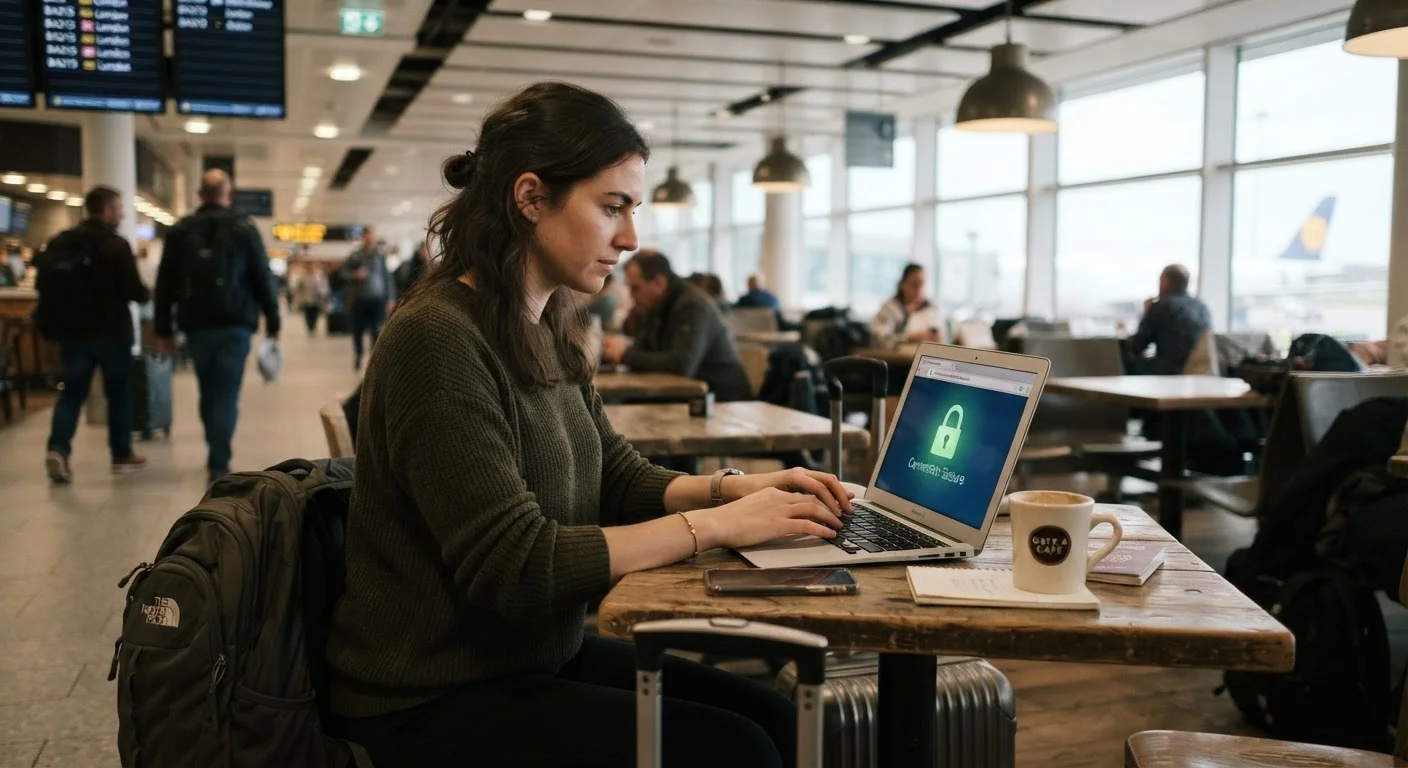
Research and install a VPN before your trip - not after you've already connected to an insecure network. Choose a service with a clear no-logging policy. Enable the VPN any time you connect to Wi-Fi you don't control, including hotel networks, airport lounges, and cafés. Some countries restrict or block VPN usage; check the rules for your destination before departing.
Minimize Data Stored on Your Device
Before traveling, remove apps you won't need, clear browser-saved passwords (use your password manager instead), and log out of accounts you won't access during the trip. This limits exposure if your device is searched at a border or stolen. Consider traveling with a secondary device that holds no personal data if your destination presents elevated risk.
Use Physical Security Habits for Your Devices
Never leave devices unattended in public - not at café tables, not in checked luggage. In crowded areas, keep your phone in a front pocket or a secure bag. Enable remote-lock and remote-wipe features on your phone before departing so you can act quickly if the device goes missing.
Monitor Accounts for Unusual Activity During Your Trip
Periodically check your bank and email accounts for unexpected logins or transactions - ideally over a secure connection. Most financial institutions allow you to set up alerts for transactions over a threshold. If you notice unauthorized activity, act immediately: freeze the account, change the password, and contact your provider.
Public Wi-Fi Is Not Private
Hotel, airport, and café networks are frequently unsecured and can be monitored. Avoid logging into bank accounts, email, or any account with sensitive information over public Wi-Fi. If you must use it, a reputable VPN (Virtual Private Network) adds a meaningful layer of protection by encrypting your traffic.
Once you've completed these steps, your exposure to the most common digital threats - unsecured networks, device theft, and border searches - is meaningfully reduced. No system is perfectly secure, but prepared travelers are far less vulnerable than unprepared ones.
For additional travel preparedness guidance, explore our trip planning hub, which covers logistics from booking through departure.
The content on this site is for informational purposes only and is not a substitute for professional advice. Always consult a qualified professional for guidance specific to your situation.